
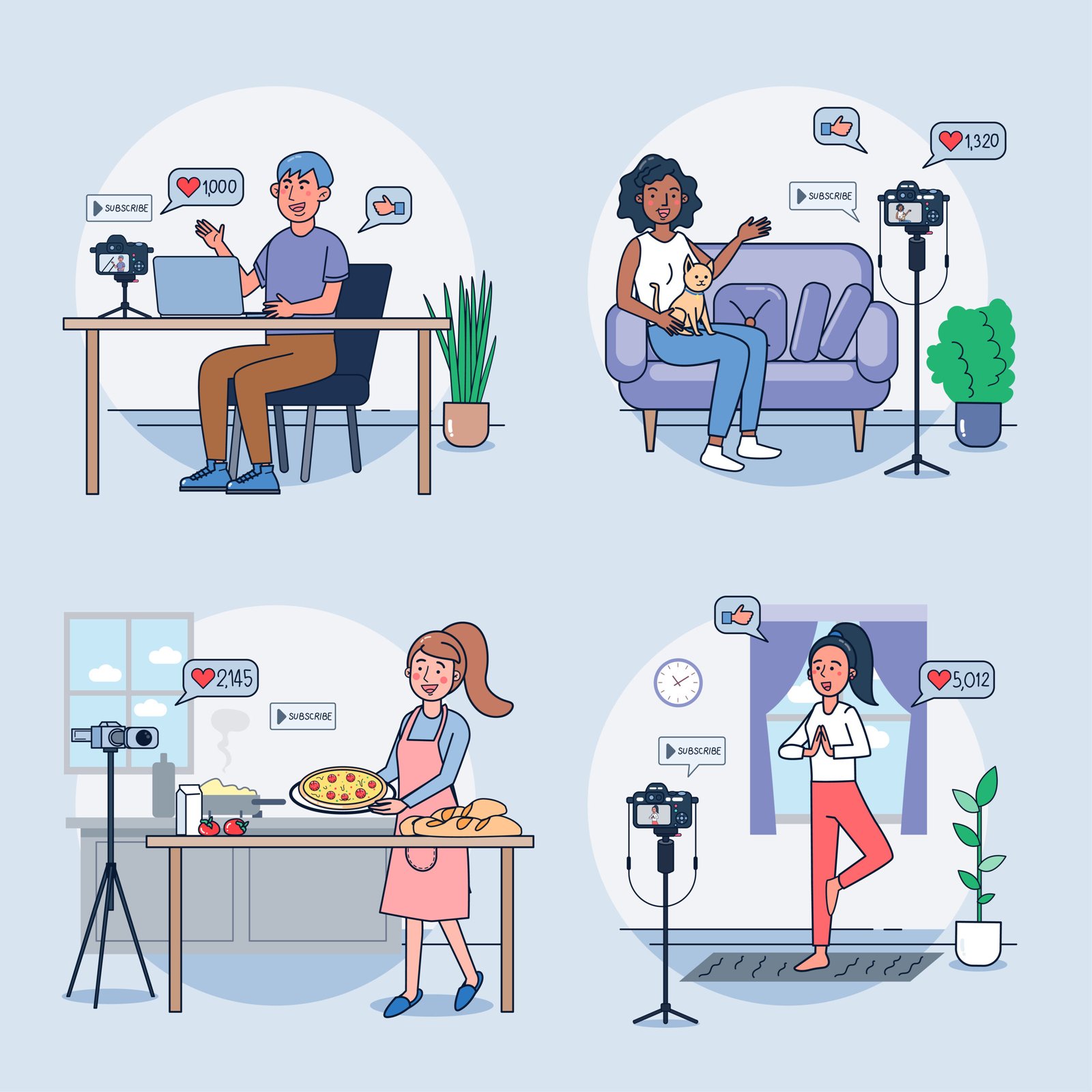
A tripod may seem like a simple accessory, but for many YouTubers, it becomes the silent reason their videos look shaky, poorly framed, or unprofessional.
Most beginners either underestimate the importance of a tripod or buy one without understanding how it affects camera stability, framing, and workflow. The result is content that feels “off” — even when lighting and audio are good.
If your videos feel unstable, awkwardly framed, or tiring to watch, chances are the tripod setup is part of the problem.
Why Tripod Choice Matters More Than You Think
A tripod doesn’t just hold your camera.
It controls:
- camera height and angle
- framing consistency across videos
- vibration and micro-shakes
- how confident you look on screen
A poor tripod setup forces you to constantly adjust framing, re-record takes, or compromise your shot. Over time, this slows your content creation and affects video quality.
Common Tripod Mistakes Beginners Make
1. Choosing the Wrong Height for the Shot
One of the most common mistakes is using a tripod that’s either too short or unnecessarily tall.
A low tripod often forces the camera to point upward, creating an unflattering angle. An overly tall tripod, on the other hand, becomes unstable when extended fully.
Fix:
Choose a tripod that allows your camera lens to sit at eye level when you’re seated or standing — without extending the center column completely.
2. Ignoring Stability and Load Capacity
Many beginners buy lightweight tripods without checking whether they can actually support their camera’s weight.
This leads to:
- wobble during recording
- slow tilting movements
- vibration when touching the camera
Fix:
Always check the tripod’s load capacity, especially if you’re using mirrorless cameras, external mics, or small lights mounted on top.
3. Using One Tripod for Every Situation
Not all content needs the same tripod.
Using a full-height tripod for desk videos, or a tabletop tripod for standing shots, leads to awkward framing and poor ergonomics.
Fix:
Match the tripod type to your filming style:
- Desk videos → tabletop or compact tripods
- Standing tutorials → full-height tripods
- Vlogs → lightweight travel tripods
4. Extending the Center Column Fully
This mistake reduces stability dramatically.
The center column is convenient, but when extended fully, it acts like a lever — amplifying shake and vibration.
Fix:
Adjust tripod leg height first. Use the center column only for minor height adjustments.
5. Poor Placement on Uneven Surfaces
Placing tripods on beds, couches, uneven floors, or soft mats is a common beginner error.
This leads to subtle movement that viewers subconsciously notice.
Fix:
Always place your tripod on a solid, flat surface. If filming outdoors, adjust leg angles properly and avoid fully extending thin leg sections.
6. Locking Everything Too Tightly (or Too Loosely)
Over-tightening joints can damage the tripod over time, while loose joints cause sagging during recording.
Fix:
Tighten joints until they are firm — not forced. Make small adjustments, then test stability before recording.
7. Forgetting Framing Consistency
Many creators adjust tripod height every time they record, resulting in inconsistent framing across videos.
This breaks visual continuity on your channel.
Fix:
Once you find your ideal framing, mark the leg height or remember the exact setup so future recordings stay consistent.
How to Choose the Right Tripod for Your Content
Choosing the right tripod depends on:
- where you record (desk, room, outdoor)
- whether you sit or stand
- the weight of your camera setup
- how often you move locations
A small tabletop tripod may look convenient, but it’s not ideal for standing videos. Similarly, a heavy studio tripod might be overkill for casual talking-head content.
For a complete breakdown of tripod types, heights, budgets, and creator-specific recommendations, see our Best Tripods for YouTubers in India (2026) guide.
Final Thoughts
A tripod is one of the most underestimated upgrades in a YouTube setup.
Fixing tripod mistakes instantly improves:
- video stability
- framing confidence
- viewer comfort
- overall professionalism
Before upgrading cameras or lighting, make sure your tripod setup isn’t silently holding your content back.